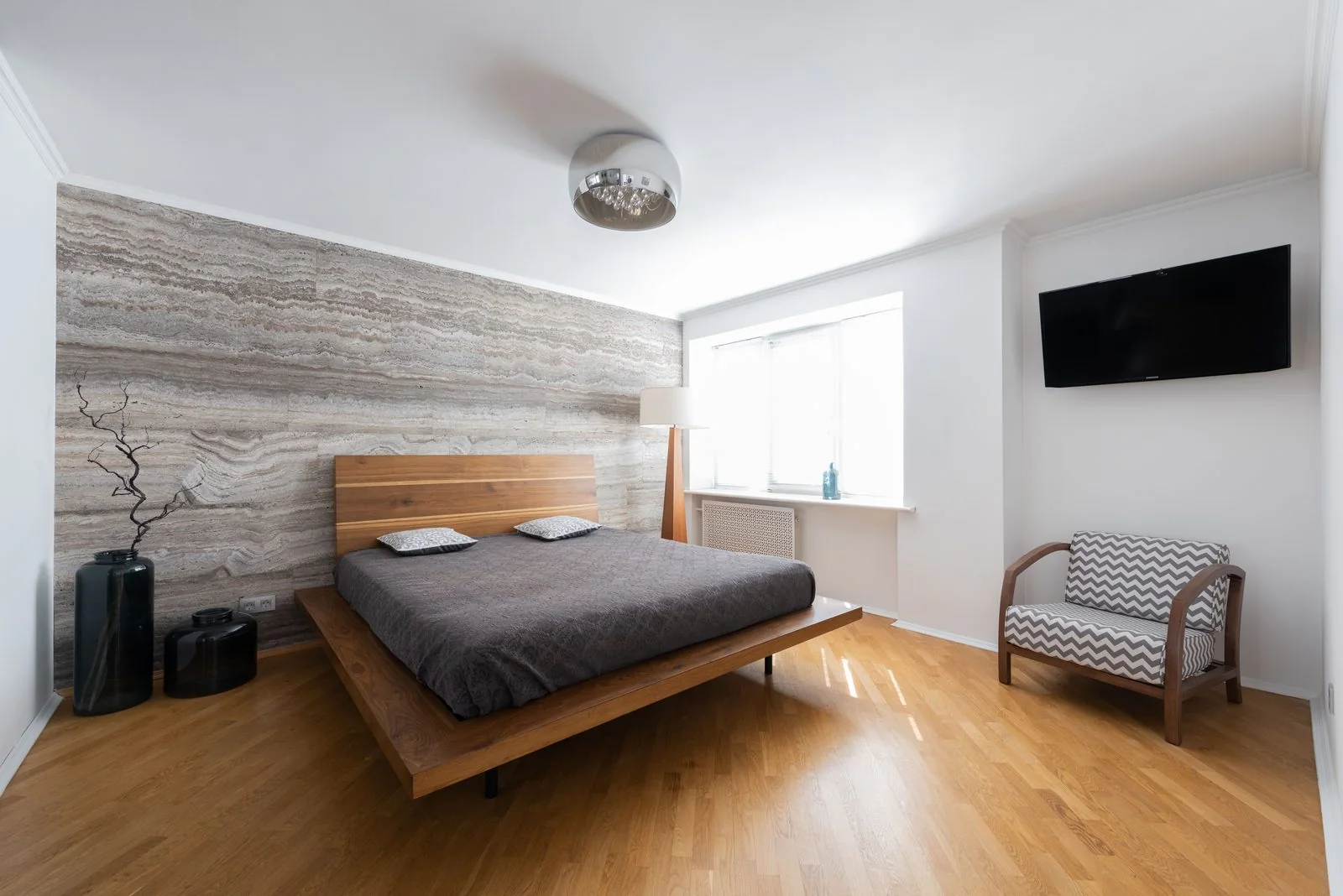
Airbnb Listing Description Template
Use this fill-in template to describe your rental clearly, from the first lines guests see to access details and helpful notes. Copy it into your listing, replace the bracketed prompts, and remove anything that does not fit your home.
Airbnb Listing Description Template
TITLE
[Property type] with [standout feature] in [area]
SUMMARY
Welcome to [property name], a [property type] in [neighborhood or nearby area].
Enjoy [top feature], [second feature], and [third feature] during your stay.
The home is a good fit for [type of guest or trip].
THE SPACE
The home includes [brief layout or room description].
In the [room name], you will find [furniture or useful features].
The [kitchen or dining area] includes [available equipment or seating].
For sleeping, there is [bed setup by room].
The bathroom has [shower or bath details and useful features].
You can also use [additional amenities or outdoor areas].
Please note: [relevant limitation, access detail, or feature to set expectations].
GUEST ACCESS
Guests have access to [included rooms and areas].
[Shared area or facility] is [available-use detail].
[Area or room] is private and not included in the guest space.
Entry is through [entrance or access method].
OTHER THINGS TO NOTE
The home is located in [area description].
Getting around is easiest by [transportation option or local detail].
Parking is [parking arrangement].
Please follow the posted house rules during your stay.
Keep noise at a considerate level, especially during [quiet hours].
The home has [stairs, access features, or other comfort detail].
For questions before arrival, contact [host name] through [contact method].
We hope you enjoy your stay.
Who should use this template?
This template is for hosts writing a new listing or refreshing copy that no longer matches the home. It gives you a consistent order for sharing what makes the place appealing, what guests can use, and what they should know before booking.
Keep the description specific to your property. You can copy the template into a text editor, fill in the prompts, then paste the finished version into your listing. Browse more free host templates for related guest and turnover tasks.
How do you fill in each field?
- Title: Lead with the home type and a detail that helps a guest picture it. Choose a true feature, such as a private patio or a walkable location, rather than a string of broad claims.
- Summary: Use the opening lines to say what the place is, where it is, and who might enjoy it. Mention a few real highlights, then set expectations without promising more than the home offers.
- The space: Describe the layout and amenities guests can actually use. Explain how rooms connect, what is shared, and any feature that may affect comfort or privacy. Be direct about limitations that a guest would want to know before booking.
- Guest access: Tell guests which areas are included and how they enter. If any space is off-limits or shared, say so plainly. Keep entry instructions and changing access details in the appropriate guest message rather than putting sensitive codes in public listing copy.
- Other things to note: Add practical details that do not fit elsewhere, such as quiet-hour expectations, stairs, parking arrangements, or nearby activity. Keep this section focused on information that can help a guest decide if the home suits them.
Before publishing, read the copy as if you had never seen the property. Replace every bracketed prompt, remove any section that does not apply, and confirm details against the home. For rules or requirements that depend on your location or platform, check local rules and the platform's help pages.
What mistakes should you avoid?
- Do not describe features you do not provide or leave outdated details in the listing.
- Avoid vague praise on its own. Replace words like “beautiful” with a concrete detail guests can picture.
- Do not hide a drawback in a long paragraph. Explain relevant limitations in plain language.
- Skip repeated keywords and long lists of nearby attractions. Include only details that help guests understand the home and its location.
- Keep public listing copy separate from private arrival details, such as door codes.
Ask someone unfamiliar with the home to read the finished description. If they still have basic questions about the layout, included spaces, or access, add a clear answer.
Can software use or send your listing description?
This template is for the description guests see in your listing. BnBGenius is a separate tool for guest messages, reviews, and upsells, which it says it automates around the clock. It works with Airbnb and VRBO, needs no login credentials, and has a five-minute setup. Read BnBGenius listing tips for more ideas on writing listing copy.
Keep your description accurate as the home or its access changes. For separate guest communications, you can also use a welcome book template or check-in message template.
Frequently asked questions
How long should an Airbnb listing description be?
Make it long enough to cover the home, its useful features, access, and relevant limitations, but do not pad it with repeated claims. Put the most distinctive and useful details near the beginning, then use the later sections for specifics.
What should I include in my listing description?
Describe the property, its layout, features guests can use, access, and practical details that could affect a stay. Be clear about shared areas or limitations, and make sure every statement matches the home.
Can I copy and paste this listing description template?
Yes. Copy the template, replace each bracketed prompt with accurate details, and delete anything that does not apply. Review the finished text before adding it to your listing.